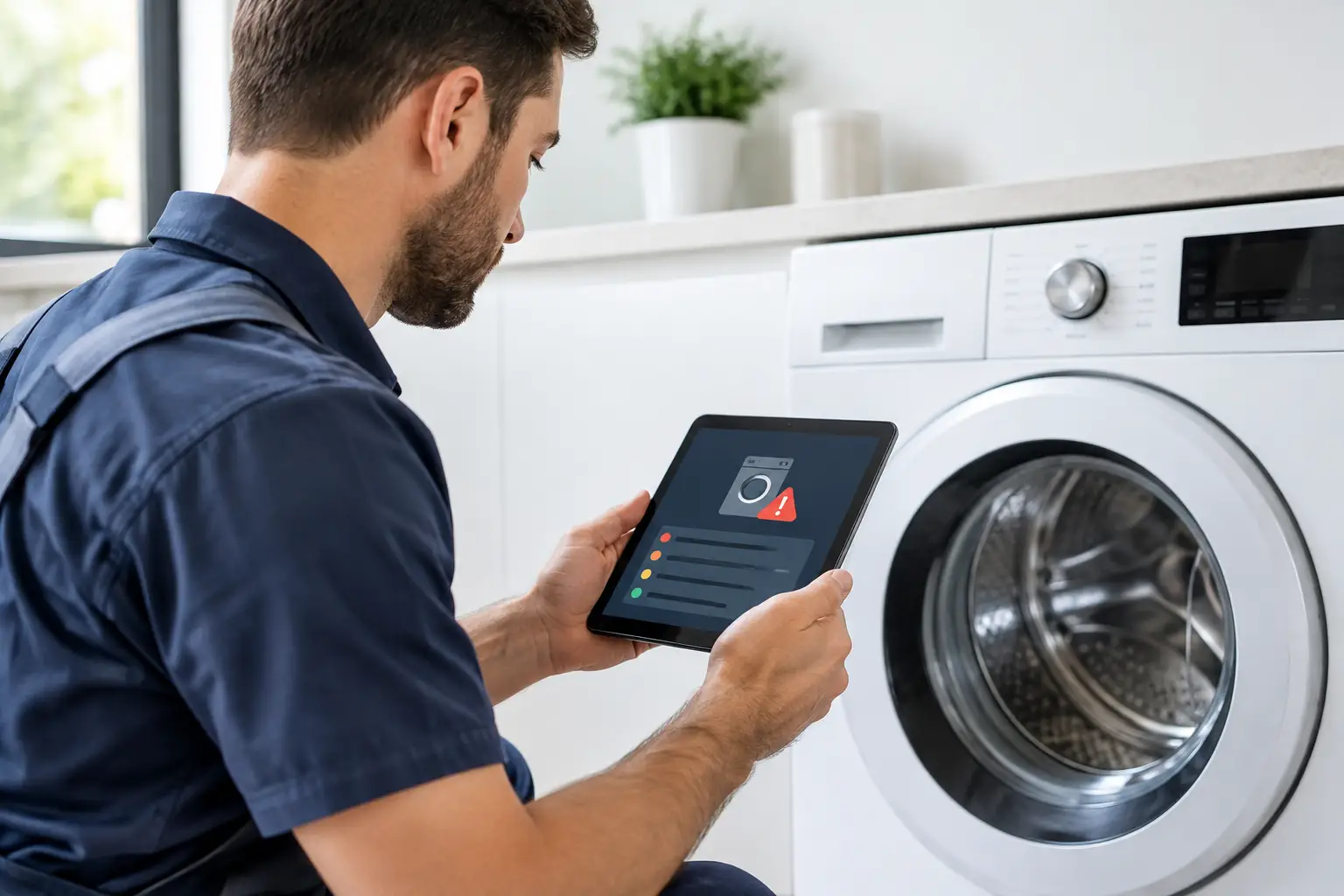
A refrigerator that sends an alert to your phone, a washer that displays a code, or a dryer that stops mid-cycle can feel like a problem you should be able to solve yourself. Smart appliance diagnostics can provide useful clues, but they do not always deliver a complete answer. Knowing what the appliance is reporting – and what it cannot detect – helps you protect your home, avoid wasted money, and get reliable repair help when it matters.
Not Sure You Need a Repair?
Before you pay for a service call, try FixDecision AI. Describe what's wrong with your appliance and get a safety-first assessment to help you decide whether to DIY or call a professional.
What smart appliance diagnostics actually do
Connected appliances use sensors, control boards, and built-in software to monitor selected parts of their operation. Depending on the model, a refrigerator may track temperature changes and door openings, while a washer may monitor water flow, balance, motor movement, and drain time. When a reading falls outside the expected range, the appliance may show an error code, flash a light pattern, sound an alarm, or send an app notification.
That information is helpful because it can narrow down the system involved. A dishwasher reporting a drain-related fault, for example, tells you to look at drainage before assuming the entire machine has failed. A range that reports a temperature-sensor issue may point toward a sensor, wiring connection, or control problem rather than the heating element alone.
The key word is narrow. Most smart systems identify a symptom or a circuit that needs attention. They rarely confirm the exact failed part. A code tied to poor water flow might result from a kinked hose, a clogged inlet screen, a weak water valve, incorrect water pressure, or an electrical issue affecting the valve. Replacing a part based on a code alone can turn a manageable repair into an expensive guess.
Common alerts homeowners see
Error messages vary by brand and model, so the owner’s manual remains the best source for a code’s official meaning. Still, most smart appliance alerts fall into a few familiar categories.
Temperature and cooling alerts
Refrigerators and freezers may notify you when the temperature rises too high, the door has been left open, or the ice maker is not completing a cycle. Start with the simple checks: close the door firmly, confirm nothing is blocking the vents, and make sure the appliance has power.
If food is warming, ice is melting, or the refrigerator runs constantly, treat it as a priority. Dirty condenser coils, a failed fan, a defrost issue, a faulty sensor, or a sealed-system problem can all produce cooling symptoms. Moving food to a safe location and arranging prompt service may prevent a much larger loss.
Water, draining, and leak alerts
Washers and dishwashers often detect slow filling, failure to drain, or a possible leak. Before resetting the machine, look for standing water, a loose supply hose, a clogged filter, or a drain hose that has slipped out of place. Turn off the water supply if you see an active leak.
Do not keep restarting a dishwasher or washer that is leaking onto the floor. Water can damage flooring, cabinets, and nearby electrical connections. A local appliance repair provider can determine whether the cause is a worn door seal, cracked hose, drain-pump failure, inlet valve, or another issue that needs a lasting repair.
Heating and airflow alerts
Dryers may report restricted airflow, overheating, or a failure to reach the selected temperature. Clean the lint screen first, then check the exterior vent hood for blockage. If the alert returns, stop using the dryer until the vent path and appliance are inspected. Lint buildup and poor venting reduce drying performance and can create a fire risk.
Ovens, cooktops, and microwaves may display alerts tied to temperature sensing, heating, door operation, or electronics. A tripped breaker can occasionally be the simple explanation, but repeated errors, burning smells, sparking, or a display that shuts down should be handled by a qualified technician. Never disassemble a microwave cabinet, even if the diagnostic message seems straightforward.
When a reset is reasonable – and when it is not
Many appliance manuals recommend a basic power reset after an error. This can clear a temporary software interruption, especially after a power outage. Unplug the appliance or switch off its dedicated breaker for the time specified by the manufacturer, then restore power and check whether the issue returns.
A reset is not a repair. If the same message appears again, the appliance is giving you useful evidence that something is still wrong. Repeated resets can delay service and, in some cases, allow damage to worsen. This is particularly true for refrigerators that cannot maintain temperature, dryers with airflow warnings, and any appliance with water leaking from it.
Avoid resetting or continuing to use the appliance when there is smoke, a burning odor, visible wire damage, sparking, a gas smell, or a breaker that repeatedly trips. Shut off power when it is safe to do so, keep people away from the area, and seek appropriate professional help. For a suspected gas leak, leave the home and contact your gas utility or emergency services from a safe location.
Give the technician better information from the start
Smart features can make a service visit more efficient when homeowners save the right details. Before calling for repair help, write down the full error code exactly as shown, the appliance brand and model number, and when the problem began. A photo or screenshot of the alert can also be useful.
Describe what happened before and after the code appeared. Did the washer stop during the spin cycle? Does the refrigerator cool poorly only after the doors have been opened? Does the dishwasher leave water in the bottom after every cycle? These details help a technician separate a one-time interruption from a repeatable mechanical or electrical failure.
It also helps to mention recent changes. A kitchen remodel, a new water line, a power outage, a moved appliance, or a newly installed smart-home router can affect operation. App connectivity problems may be separate from the appliance failure itself. If the appliance works normally but will not connect to Wi-Fi, the fix may involve network settings rather than a repair part.
The limits of app-based troubleshooting
Manufacturer apps can be convenient for reminders, cycle notifications, maintenance prompts, and basic troubleshooting. They can also save time by telling you when a filter needs attention or when a door was left open. For routine care, that is valuable.
But app guidance cannot inspect a frayed wire, confirm a failing motor under load, test a compressor properly, or identify hidden leaks. It also cannot account for installation conditions, such as a blocked dryer vent or a dishwasher drain hose routed incorrectly. Appliances still need hands-on diagnosis when an alert repeats or performance changes.
There is also a cost decision to consider. On a newer appliance, a targeted repair may be the practical choice, especially when the diagnostic information points to a common, replaceable component. On an older unit with multiple failures, a major electronic board, compressor, or transmission repair may make replacement worth considering. The right answer depends on the appliance’s age, condition, repair estimate, and how urgently you need it back up and running.
Use the alert as a starting point, not a verdict
Smart features are most useful when they help you act early. Clean filters and vents when prompted, respond quickly to temperature or leak alerts, and keep a record of repeat codes. Those small steps can prevent disruption and give the repair professional a clearer path to the problem.
Broken refrigerator? Dryer will not heat? Dishwasher will not drain? A trusted local provider can use the appliance’s diagnostic information alongside professional testing to find the actual cause and help get your household back to normal. The best next step is usually the one that protects your home, your budget, and your peace of mind.